For Windows & Mac

Keep every speaker on time.

Show Timer puts a big, clear countdown in front of your presenters — with messages, a session clock, your own branding, NDI and remote control from a phone or Stream Deck.

A licence key is needed to run it — request one here.
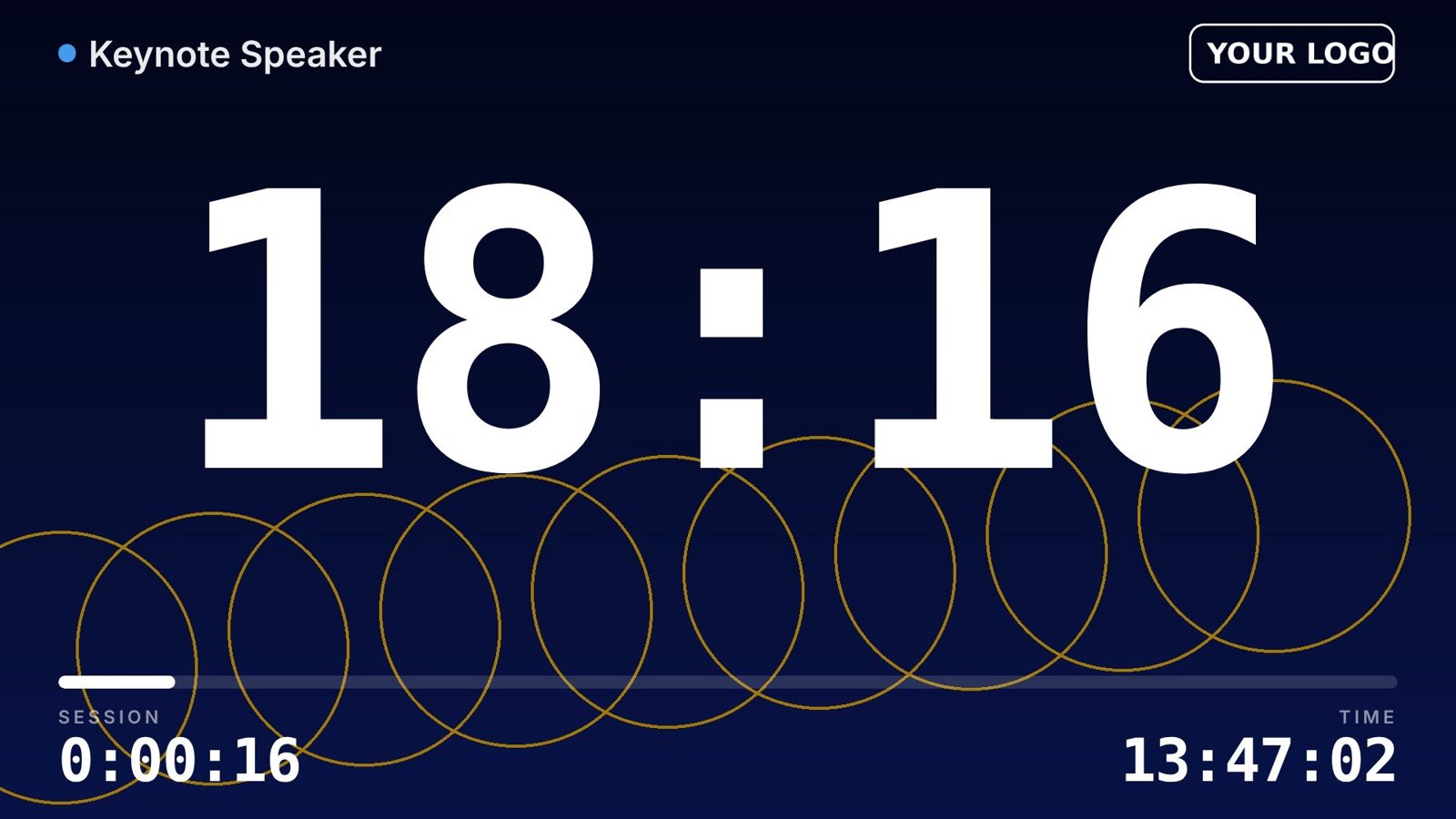
STAGEShow Timer stage screen with countdown, custom logo and background
Show Timer control panel
Features

Everything the stage manager needs

Built by a live-event video team for conferences, award shows and corporate events.

Presets & running order

Every speaker with their own time, colour and warning points. Next / previous, ± time on the fly, set remaining, overtime counting.

Messages that take over

“Please wrap up” in one click — full screen or as a banner, with a Flash button. Quick typed messages too.

Any screen, plus NDI

Second display or projector, any web browser on the network, and an NDI source for vMix, TriCaster or OBS.

Phone & tablet remote

Control the timer from any phone on the same network — no app to install. Several remotes stay in sync.

Stream Deck & Companion

Every function has a simple HTTP and TCP command — perfect for Bitfocus Companion, show control and automation.

Your branding

Client logo, background image or gradient, and a drag-and-drop layout you can lock. Fades to video and black.

Video tutorials

See it in action

Five short videos — about six minutes in total — cover everything from activation to Stream Deck.

Download

Get Show Timer

Free to download. A licence key unlocks it — see below.

Windows

Windows 10 / 11 · 64-bit · includes NDI Download for Windows

Mac · Apple Silicon

M1, M2, M3, M4 · macOS 12+ · includes NDI Download for Apple Silicon

Mac · Intel

Intel Macs · macOS 12+ · includes NDI Download for Intel Mac
Not sure which Mac you have? Apple menu → About This Mac → Chip.

User manual (PDF)

22 pages · installing, licensing, every feature, Stream Deck commands, troubleshooting
Download manual
Licensing

Get your licence key

Each key is unique and made for one computer. Permanent licences and event rentals are available.

  1. Download and open Show Timer. The activation screen shows your computer's Machine ID.
  2. Send us the Machine ID with the form — or by email.
  3. Paste the key you receive and click Activate. Done — it works offline.

Prefer email? Write to info@techvideotools.com

Licence request

FAQ

Questions

Do I need internet at the venue?

No. Activation and the timer work completely offline. Phones, tablets, browser outputs and Stream Deck only need the same local network as the timer computer.

Can I use one licence on two computers?

Each key is made for one computer's Machine ID. For a main and a backup machine, request two keys in the same form.

Does it work with Stream Deck?

Yes, through the free Bitfocus Companion. Every function — play, ± time, presets, messages, black, views — has a simple command. The full list is in the manual.

Which NDI receivers work?

Any NDI receiver on the network: vMix, TriCaster, OBS with the NDI plugin, NDI Studio Monitor and hardware decoders. The source is sent at 1920×1080, 30 fps.

macOS says the app can't be opened.

The first time, right-click Show Timer in Applications → Open → Open. If it still refuses, open System Settings → Privacy & Security and click “Open Anyway”.

Windows shows “Windows protected your PC”.

Click “More info” → “Run anyway”. This appears for new apps that are not yet widely downloaded.